
How to control your GoPro with Apple Watch
Pair the camera once, then tap it on your watch. After that the watch talks to the GoPro over Bluetooth, so you can record and check it with your iPhone left behind.
- Free to start
- No iPhone needed to record
- Tested on MISSION 1 Pro
Overcrank is free to start. iOS 17 and watchOS 10 or later.
Watch it done: the 1:48 tutorial
Connect a GoPro to Apple Watch in 3 steps
Put the GoPro in pairing mode
First time only, on the camera. On HERO11, 10 and 9 it's Connections, then Connect Device. GoPro's steps for every camera
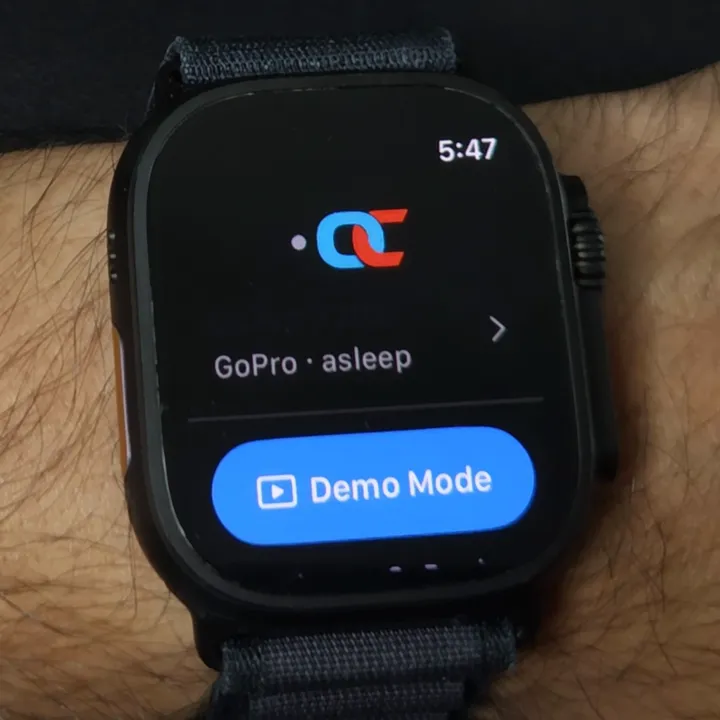
Tap your camera on the watch
Open Overcrank on your Apple Watch. A sleeping camera shows as asleep; tapping it wakes it.
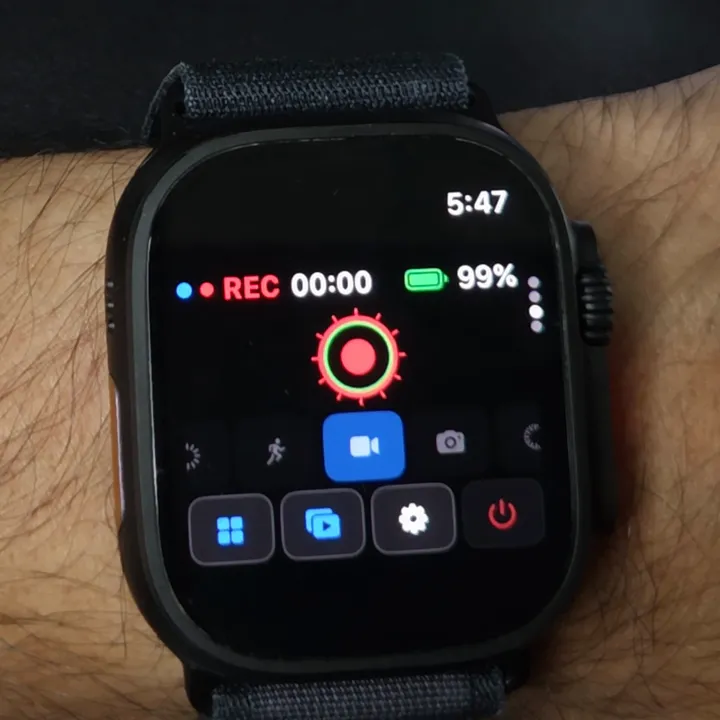
Tap record
REC and a haptic tap confirm the camera started. Disconnecting the watch won't stop it.
New to Overcrank? Install it on your iPhone and the watch app comes with it. If it doesn't appear, open the Watch app on your iPhone and install it from Available Apps.
What you can do from your wrist
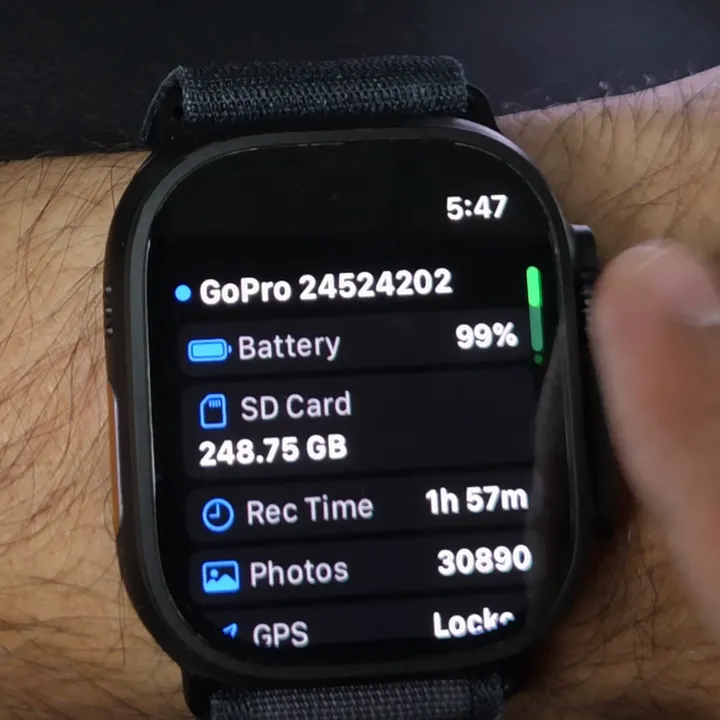
See the camera's status
Battery, free SD space, recording time left and GPS lock.
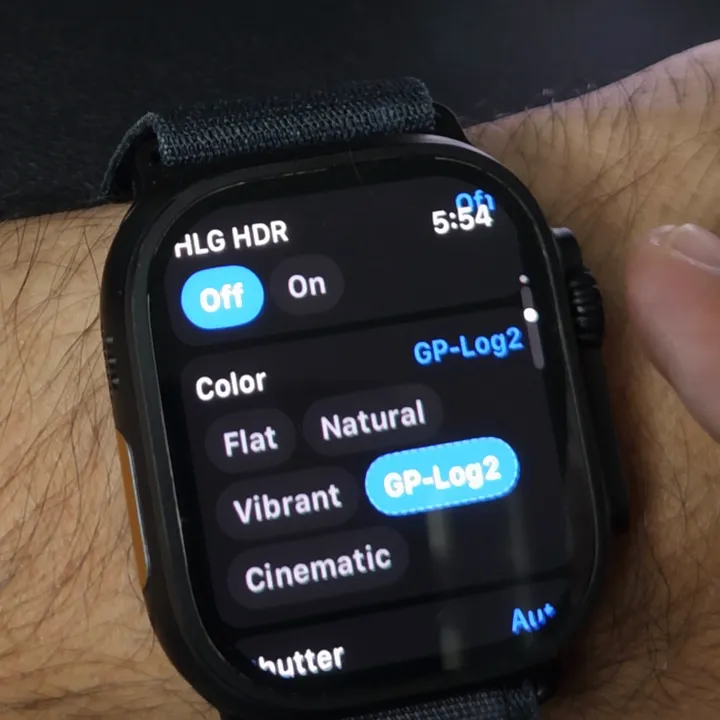
Change its settings Pro
Resolution, frame rate, lens, colour and more. Every setting explained
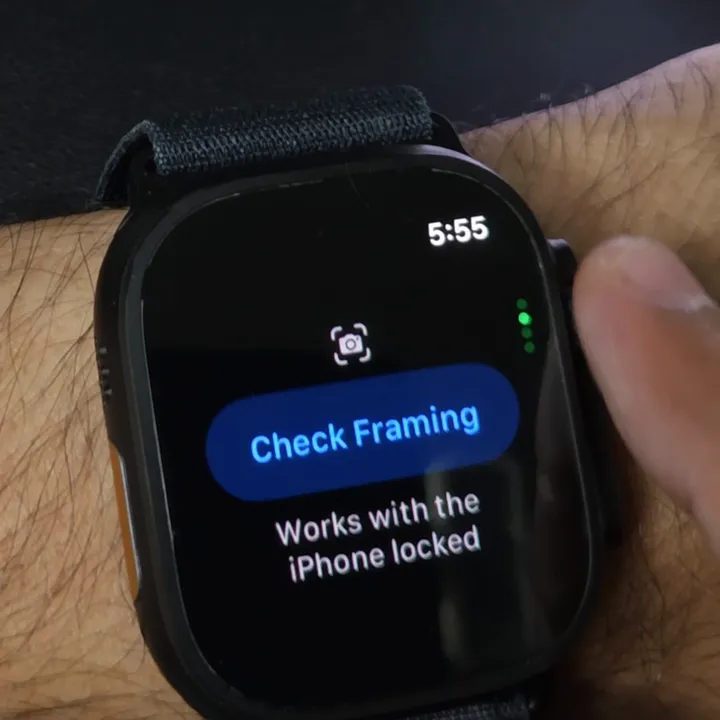
Check your framing Pro
A few frames per second, relayed by the iPhone in your pocket.
Do you need your iPhone?
Watch only
- Start and stop recording
- Video, Photo, Lapse, Slo-Mo, Low Light
- Battery, SD card, time left, GPS
- Watch-face complications
- Camera settings and presets (Pro)
iPhone nearby
- Framing preview on the watch (Pro)
- Sub Mode changes, like Burst Slo-Mo
- Live Monitor at about 30 fps (Pro)
- Media browser and Multi-Cam (Pro)
For the framing preview the iPhone joins the camera's Wi-Fi and can stay locked. Want the long version? Watch the 1:45 demo on YouTube.
Questions
Can you control a GoPro with an Apple Watch?
Yes, with a third-party app. GoPro removed its own Apple Watch app, and GoPro Quik doesn't include one. Every GoPro Apple Watch app, compared.
Which GoPro cameras work with Overcrank?
It's tested on the MISSION 1 Pro. It's built for HERO9 Black and later using GoPro's Open GoPro protocol, but not yet tested on those cameras.
Can GoPro Quik stay connected at the same time?
On MISSION 1, MAX2 and HERO13 or HERO12 Black, yes: GoPro says they hold four connections at once. Older cameras allow one.
Does disconnecting the watch stop the recording?
No. The camera keeps recording until you stop it.
Is Apple's Camera Remote app the same thing?
No. Camera Remote controls your iPhone's camera, not a GoPro.
Is it free?
Recording, modes, status and complications are free. Pro, with the camera's settings and framing preview, is a one-time US $9.99.
Overcrank is an independent app, not affiliated with or endorsed by GoPro, Inc. Photos and clips: GoPro MISSION 1 Pro and Apple Watch Ultra, 30 August 2026.