
MISSION 1 Pro settings that change other settings
Change one setting and the camera sometimes changes another to fit, without asking. Here are five we caught, and the order that avoids them.
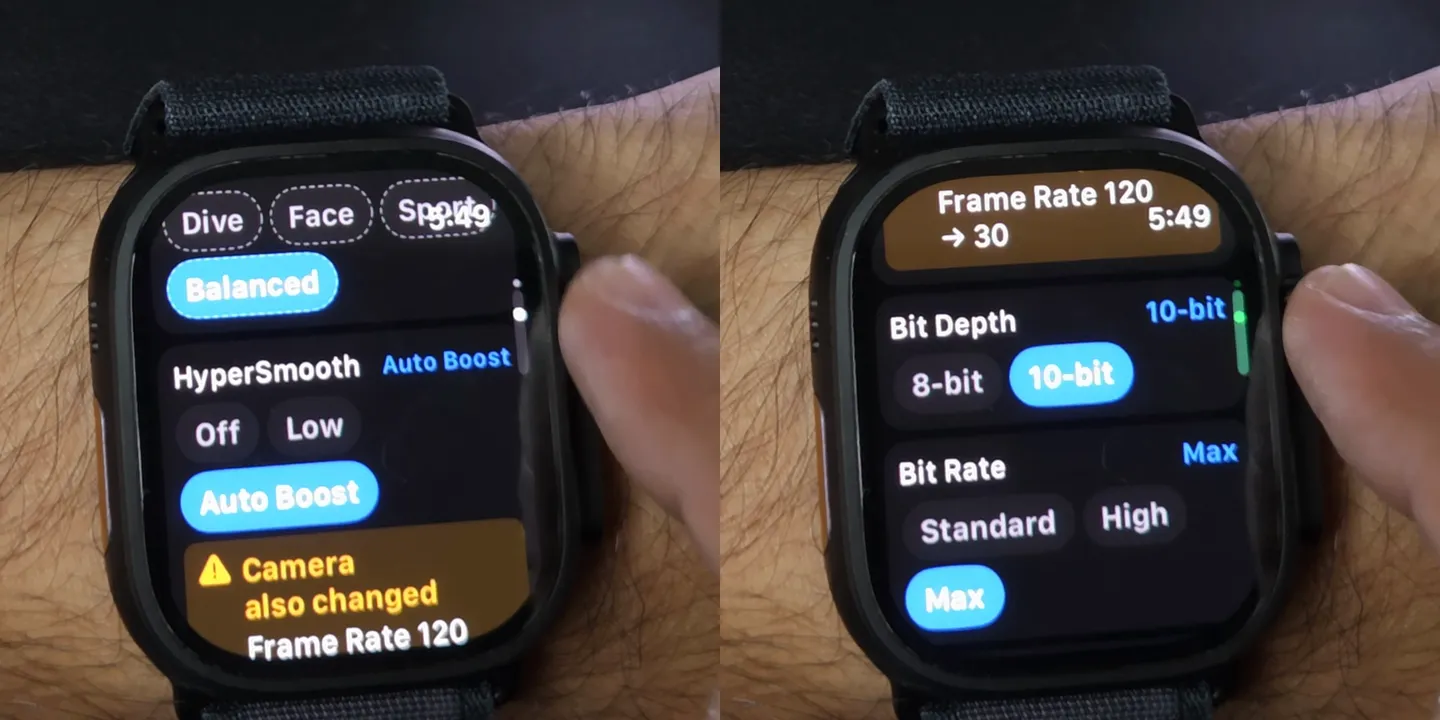
- 5 real examples
- Photographed as they happened
Five settings that changed another one
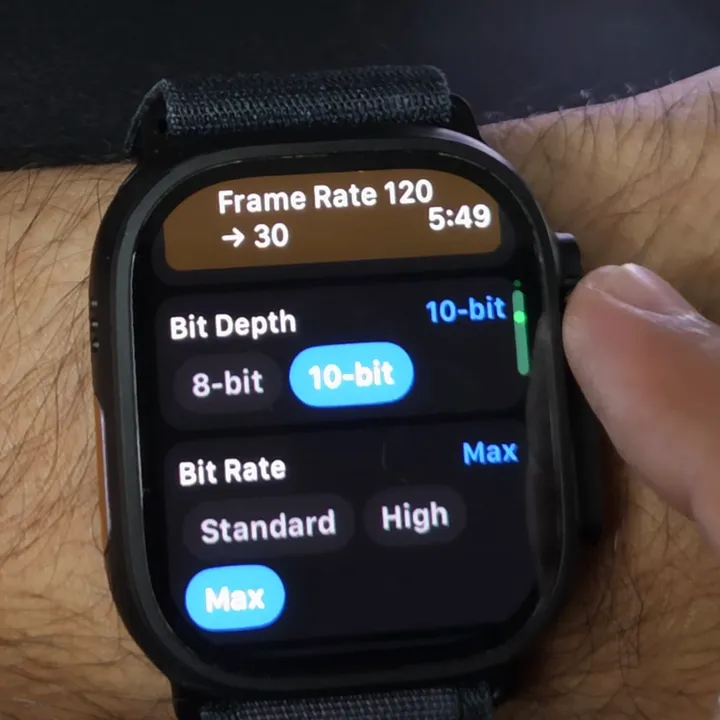
Auto Boost dropped our 120 fps to 30
You set HyperSmooth: Auto Boost
We were at 120 fps with HyperSmooth off. Check the frame rate after changing stabilisation.
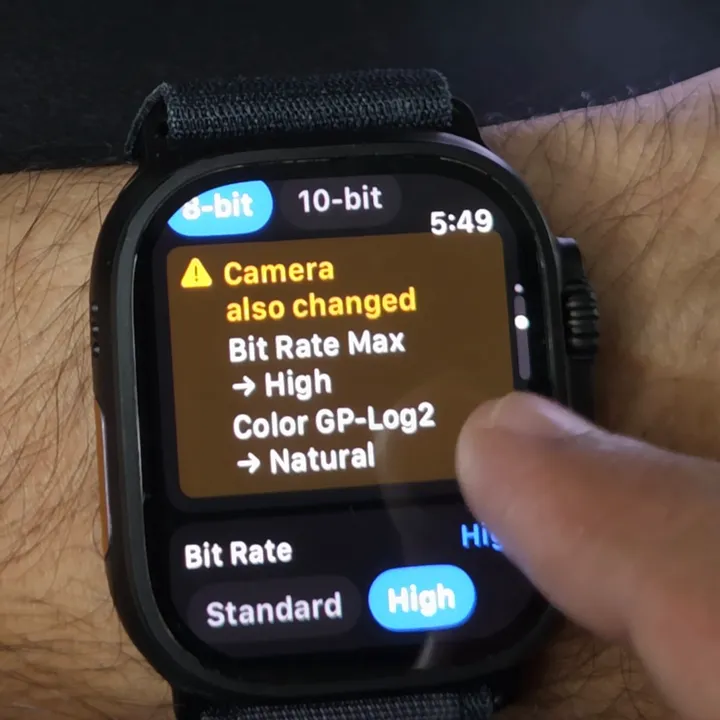
8-bit switched off Max and GP-Log2
You set Bit Depth: 8-bit
Going back to 10-bit didn't restore them; we set both again.
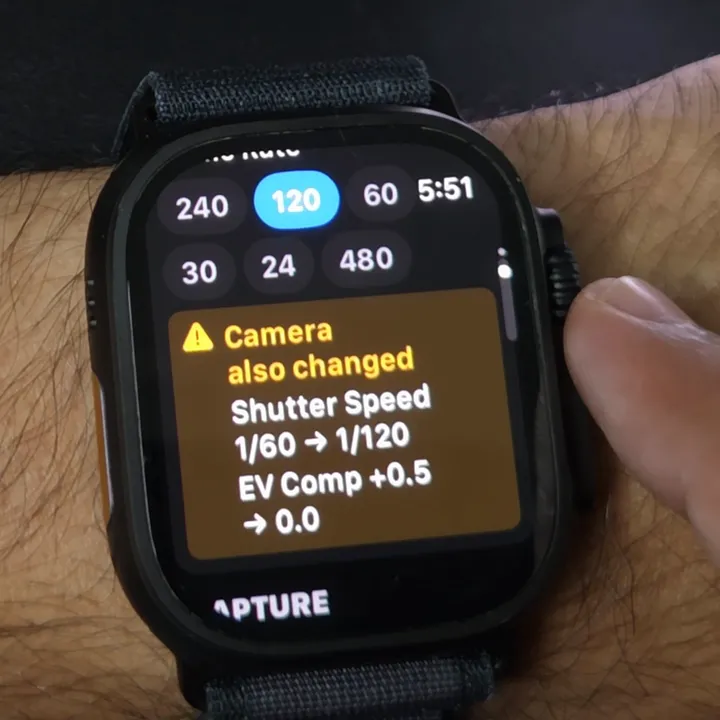
120 fps moved a fixed shutter
You set Frame Rate: 120
At 120 fps a frame lasts 1/120 of a second, so a 1/60 shutter can't fit.
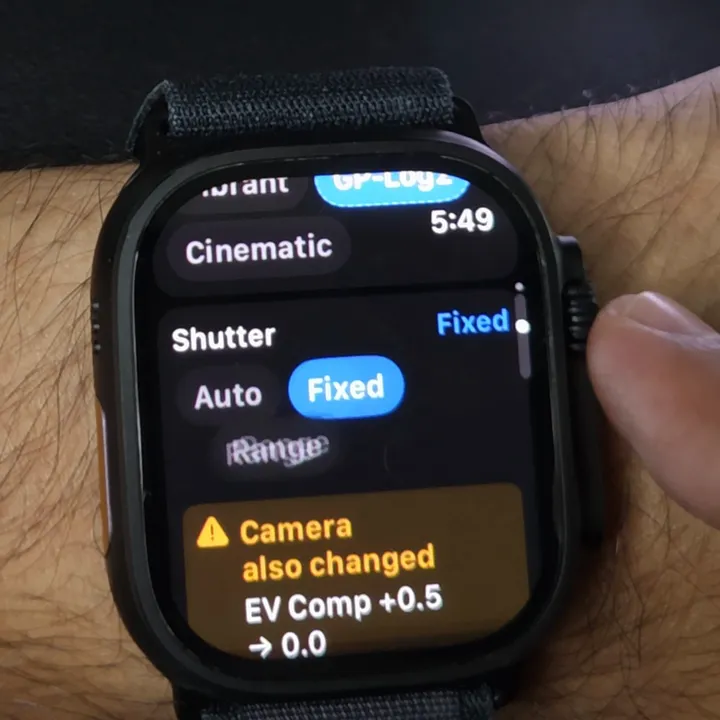
A fixed shutter reset EV Comp
You set Shutter: Fixed
Set the shutter first and EV Comp after it.
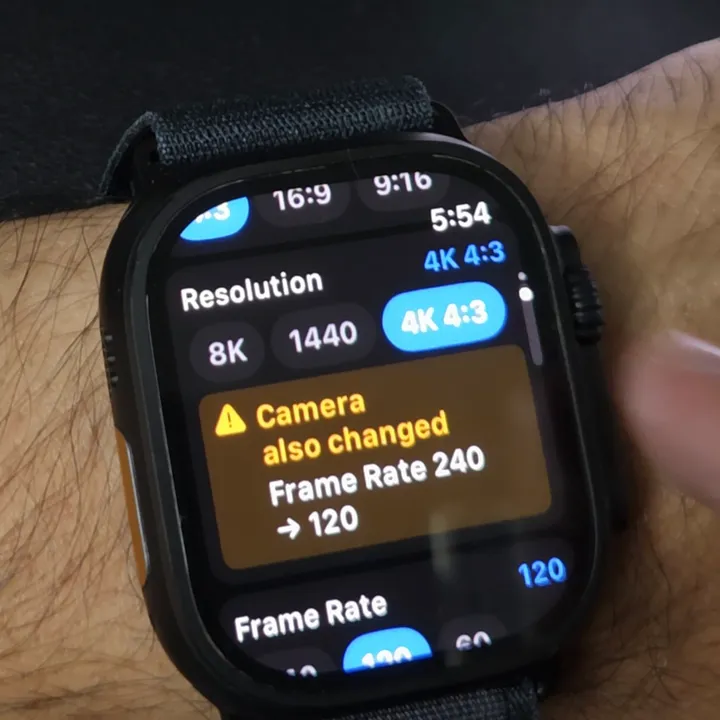
4K 4:3 dropped 240 fps to 120
You set Resolution: 4K 4:3
GoPro's table tops 4K 4:3 out at 120 fps; 240 needs 4K 16:9.
Set them in this order
- 1Resolution
- 2HyperSmooth
- 3Frame rate
- 4Bit depth
- 5Bit rate and colour
- 6Shutter and EV Comp
In all five examples, a setting only changed ones later in this list. Check the whole list once more before you roll. What every setting does
Questions
Why did my GoPro's frame rate change by itself?
Something you changed doesn't support it. On our MISSION 1 Pro, Auto Boost and 4K 4:3 both lowered the frame rate.
Why did my GoPro's shutter speed change?
A higher frame rate can't fit a slower shutter. At 120 fps the camera moved 1/60 to 1/120.
Why did EV Comp reset to 0?
On our camera, fixing the shutter or changing the frame rate reset it. Set EV Comp last.
Why can't I pick 240 fps at 4K 4:3?
GoPro's MISSION 1 Pro table lists up to 120 fps at 4K 4:3. For 240 fps, use 4K 16:9. GoPro's table.
Is there a remote for the MISSION 1 Pro?
Yes. GoPro lists The Remote and the Waterproof Shutter Remote as compatible, its voice commands work on the MISSION 1 series, and an Apple Watch app can do the same from your wrist. Every way to control a MISSION 1 Pro.
Overcrank is an independent app, not affiliated with or endorsed by GoPro, Inc. Observed on a GoPro MISSION 1 Pro, 30 August 2026. Which settings affect each other depends on the rest of your setup and the camera's firmware.