
How to update GoPro MISSION 1 Pro firmware
Two ways. Pair the camera with GoPro Quik and accept its update prompt, or copy GoPro's UPDATE folder to the SD card and power on. Either way, charge to at least 50% first.
- 2 ways: Quik or SD card
- Charge to 50% first
- From GoPro's support, 5 October 2026
Update with the Quik app
The easy way, with GoPro Quik on your phone:
Step 1
Charge to at least 50%
GoPro asks for at least half a battery before any update.
Step 2
Pair the camera with Quik
Open GoPro Quik on your phone and pair the MISSION 1 Pro.
Step 3
Accept the update prompt
Quik tells you when an update is available. Follow its prompts and leave the camera alone until it finishes.
Update manually with the SD card
Use this when Quik won't update the camera, or to reinstall the firmware on a camera that's misbehaving. It's the same on a Mac or a Windows PC.
Step 1
Power off, charged to 50% or more
Turn the camera off and check it has at least half a battery.
Step 2
Download GoPro's update files
Get the MISSION 1 Series update from GoPro's firmware article and unzip it. Inside is a folder named UPDATE.
Step 3
Copy UPDATE to the SD card's top level
Put the card in your computer and paste the UPDATE folder at the top level, next to DCIM and MISC.
Step 4
Eject, insert, power on
Eject the card safely, put it back in the camera and turn the camera on.
Step 5
Wait for the language screen
The camera turns itself off and on a couple of times. It's done when the rear screen asks for a language.
Summarised from GoPro's MISSION 1 Series update instructions, which has the download link and a video of the manual update.
Questions
How do I check my MISSION 1 Pro's firmware version?
On the camera: swipe down, swipe left, tap Preferences, then About; the version is at the bottom. Quik also shows it once paired, and so does the text file in the SD card's MISC folder. GoPro's article.
The Quik update failed. What now?
Do the manual SD card update. GoPro also suggests trying a different SD card if the manual update won't take, then contacting its support.
Should I reinstall firmware that's already up to date?
GoPro says a manual update can fix a misbehaving camera even when it already runs the latest version, like a reflash.
Where are the release notes?
GoPro lists what each update changes in its software and firmware release notes. GoPro's release notes.
Can I update the firmware from Apple Watch?
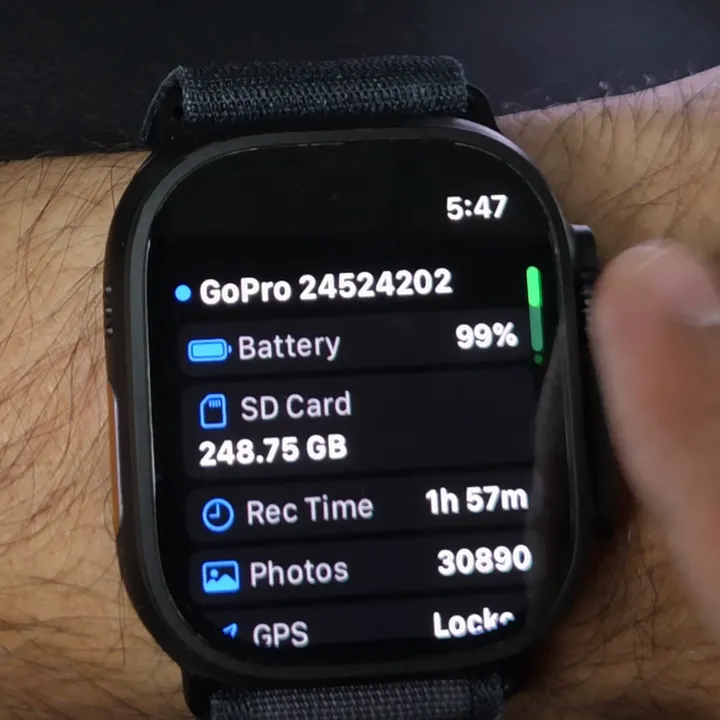
No. Overcrank controls the camera from your wrist, but firmware goes through Quik or the SD card. Overcrank reads what your camera and its firmware support, so it lists only options that work. Control a GoPro from Apple Watch.
Looking for a watch app? Every GoPro Apple Watch app, compared.
Overcrank is an independent app, not affiliated with or endorsed by GoPro, Inc. GoPro, MISSION and Quik are GoPro's. Steps follow GoPro's support articles as read on 5 October 2026; GoPro's own article wins if they differ.